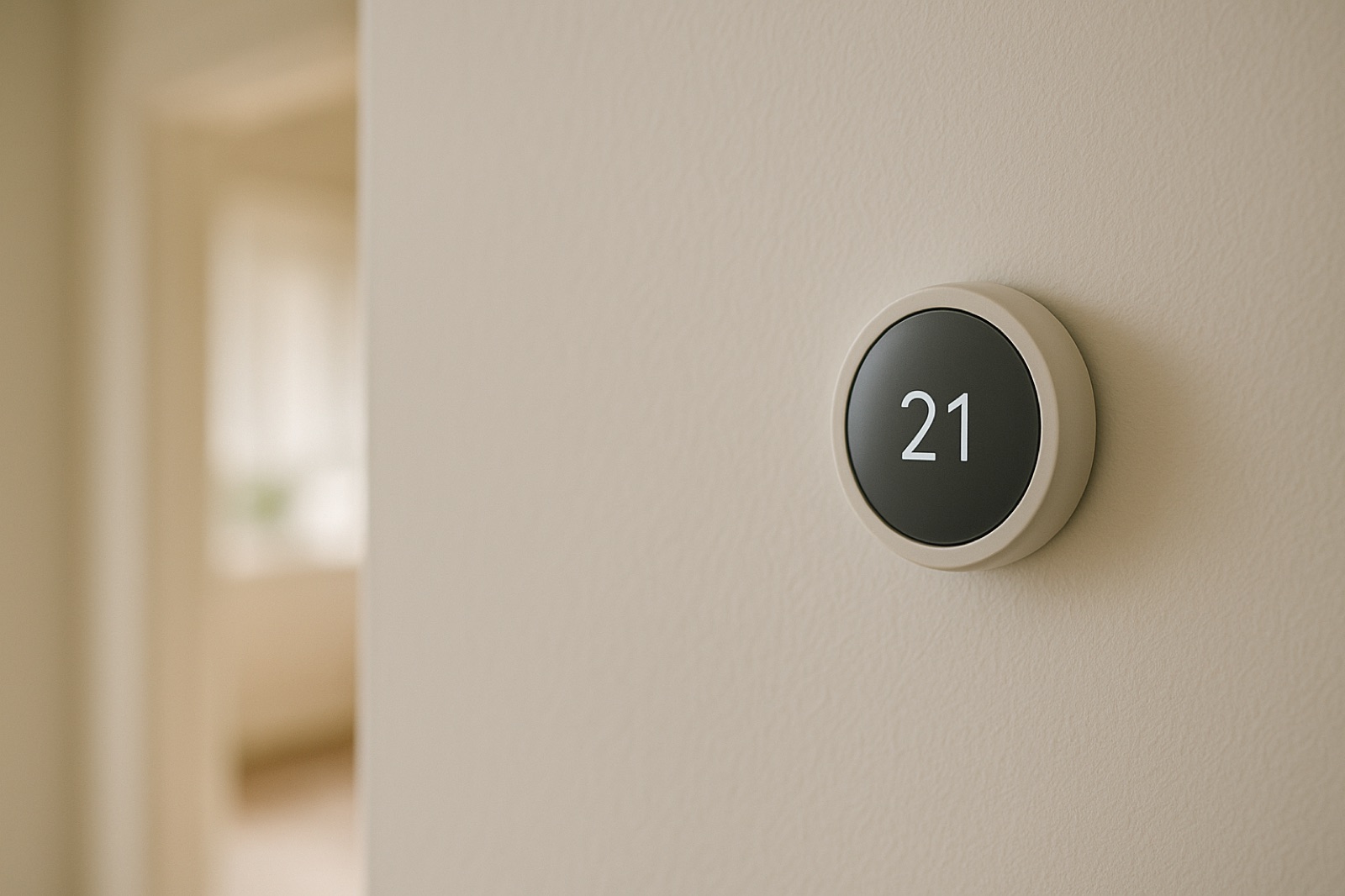
Connected HVAC equipment now reports more than a room temperature. A furnace, air handler, or outdoor unit can stream run data to a platform that looks for patterns and tries to flag a fault before the no-cool call comes in. ACHR News reported that Resideo unveiled an AI tool for HVAC diagnostics and maintenance, Pro-IQ Predict, which the coverage describes as "informed by millions of interactions with connected devices." The product is an expansion of Resideo's Pro-IT services platform.
For a homeowner, the software itself is less important than the chain of custody around it. A flag can go to the equipment owner, the dealer, the platform, or some mix of the three, and those routes are rarely identical. Before you accept any monitoring setup, find out who holds the account, whether you can export your own run history, and whether an alert reaches you or only a service desk.
Ask Five Questions Before You Enroll
First, ask who owns the account. If the dealer set it up under their own login, your records may stay where you cannot reach them after the service contract ends. Second, ask for the export. A file of run times, setpoints, and alert history should be something you can pull yourself, not something you request in writing and then wait on. Third, ask what an alert triggers. An automated message to the service desk is a different event than a text message to you, and you should know which one you are signing up for. Fourth, ask how long the data is kept and whether it is tied to your street address. Fifth, ask whether the service agreement changes when an alert fires. Some plans bill per visit and some include diagnostic calls, and that answer should be on paper before the first flag arrives.
Keep a Parallel Log
A monitoring platform only sees what the controls report. Your own notes can catch what sensors miss, such as a warm return air register in one room or a supply temperature that drifts while the thermostat reads satisfied. Use a cheap probe thermometer at the supply and return plenums, note the outdoor temperature from a local weather station, and write down the date and time whenever the system runs unusually long. Keep the readings in a plain spreadsheet with one line per check. When a flag comes in, you then have a second record to compare against, and you can tell the technician what you observed instead of only what the app said.
The Trade Is Paying Attention
ACHR News also published a photo gallery of the inaugural HVAC Contractor Forum, held November 2 through 4, 2026. The summary says more than 200 HVAC professionals attended the event "to network and learn from some of the best in the industry." The coverage does not describe the sessions in detail, so this piece will not guess at what was discussed. The useful takeaway is simpler: the people who service your equipment are gathering around these tools, which makes it reasonable for you to ask how they plan to use the data they collect from your house.
Set House Rules Before Anyone Else Arrives
Connected equipment often lives in a home where more than one person comes and goes. If a hired helper, a relative, or a neighbor is in the house during the day, write down who may adjust the thermostat, who receives the alerts, and who calls the dealer when the system stops. Keep that note on the thermostat or in the same folder as the service agreement. A helper can be a useful set of eyes on a warm room or an unfamiliar noise, but a clear rule keeps one small problem from turning into two calls to two different places. If you need help arranging in-home support for a parent, you can contact a locally owned St. Louis home care agency to talk through the schedule and the house rules.
The flag is a prompt, not a verdict. Get the data rules in writing, keep your own log, and know who answers the phone. Then, when the system reports a problem, you have the record, the access, and a clear next step.