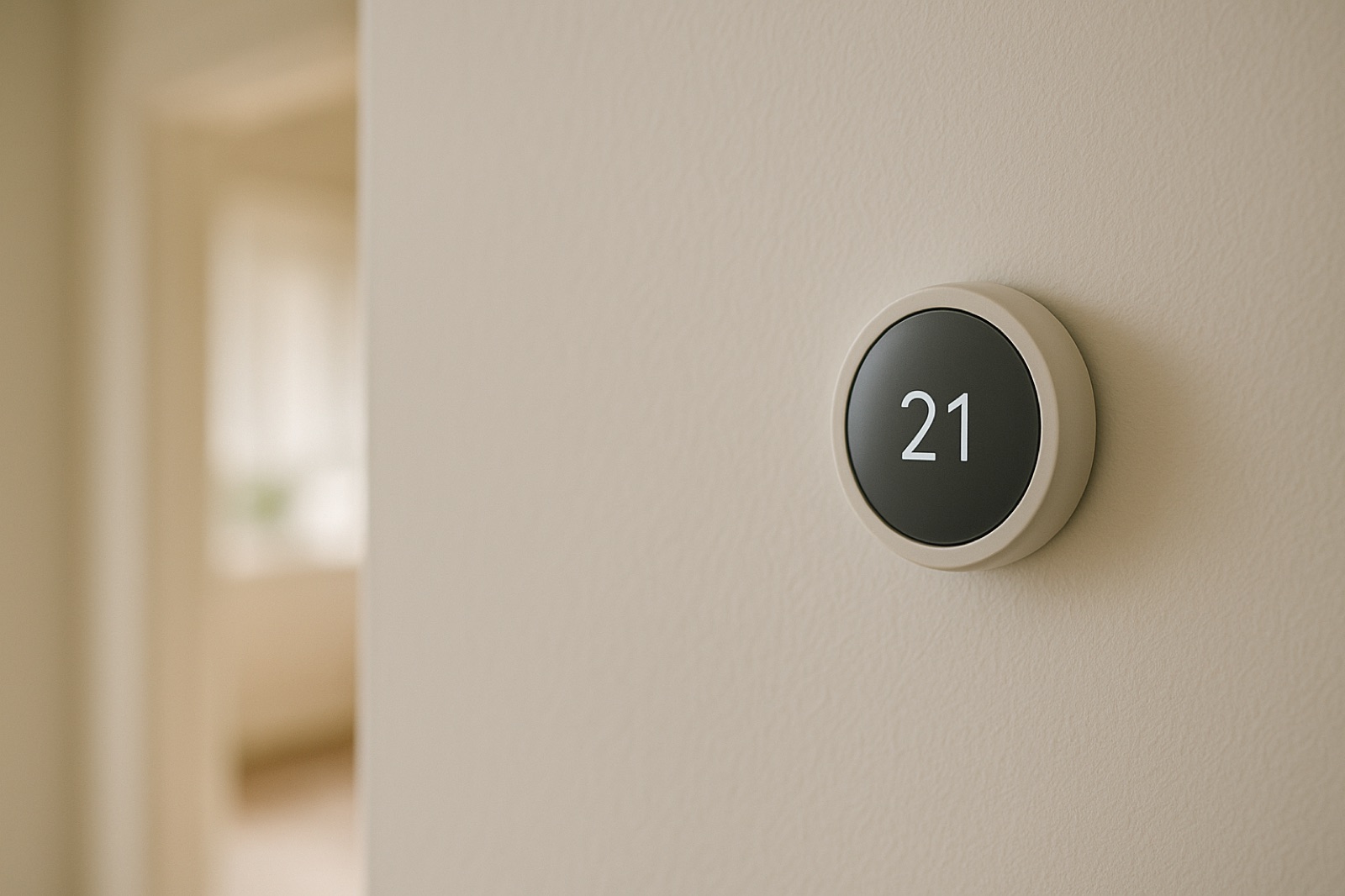
Manufacturers keep adding phone-side tools to heating and cooling equipment, and each one creates another place where your system's history can live. ACHR News reported that Bosch has expanded its GoTemp platform with a homeowner app called GoTemp Home and a "remote support feature" on the GoTemp Pro contractor app, as described in its coverage of the GoTemp expansion. The summary does not say what the homeowner app stores, how long records stay available, or whether they can be exported. Treat those as questions for your installer and the manufacturer, not as settled features.
Two apps, one unit, two partial records
When a homeowner app and a contractor app both connect to one indoor unit, the service history can end up split. The contractor sees what the contractor app shows. You see what your own app shows. Neither view is guaranteed to be a complete timeline. Before you install the homeowner app, or before the first remote session, decide where the master record will live. A paper binder or a dated file on your own drive works well, as long as you update it after every visit, whether the visit happened in person or through a screen.
Ask who owns the login
The account that receives alerts and history is a property question as much as a technical one. Find out whose email address sits on the account, whether the installing company created it, and what happens to access if you change contractors or sell the house. Write the account holder's name and the login method in the same binder as the warranty card and the equipment nameplate notes. Do not send passwords by text message. Have the account holder sign in on their own device, and confirm that the app shows the same unit you think it shows, including the correct indoor and outdoor pairing.
Capture a baseline on a normal day
Before anything changes, record what the system does on an ordinary day. Photograph the thermostat or app home screen with the date visible, either in the image or through the phone's timestamp. Note the setpoint, the fan mode, the schedule, and the outdoor temperature from a source you trust. If the outdoor condenser has a data plate, photograph it and copy the model and serial number into your file. If you take a voltage or amp reading with your multimeter, record it in the same entry with the time and outdoor conditions. Only do this if you are comfortable working near the panel, and leave any cover that needs a licensed tech to a licensed tech.
Log every remote visit like a local one
A remote session is still a service event. Log the date and time, who connected, what they said they were checking, and whether anything changed on the unit or the thermostat afterward. If the app shows a fault code, copy it exactly and photograph the screen before anyone clears it. If a technician later comes to the house, what they find should line up with what the remote log shows. Any gap is worth raising before anyone orders parts, because a clean remote reading can miss something that only shows up at the registers, the disconnect, or the line set.
The house is part of the record
Equipment history is not only about the box. In a home where someone is inside all day, the thermostat schedule, the register positions, and the rooms that run cold all change what the system is asked to do. Those details belong in the log too. If you are coordinating that routine for an older relative and find that the schedule is hard to keep up with, that is a planning problem as much as an HVAC one. Some families in that position choose to contact a locally owned St. Louis home care agency to talk through who checks the thermostat and the house on a set day. That kind of planning does not replace a service technician, and it is not medical advice.
Before you accept the app as the record
Confirm three things before you rely on any app as the system's memory. First, know who holds the login and how access transfers. Second, find out what you can export or save, and if the answer is nothing, keep your own copy of every reading and visit. Third, ask your installer what they will read from the app during a service call and what they will write back into it. A remote feature can save a trip, but the paper trail still belongs to you. Keep it current, date every entry, and bring it to the next visit.