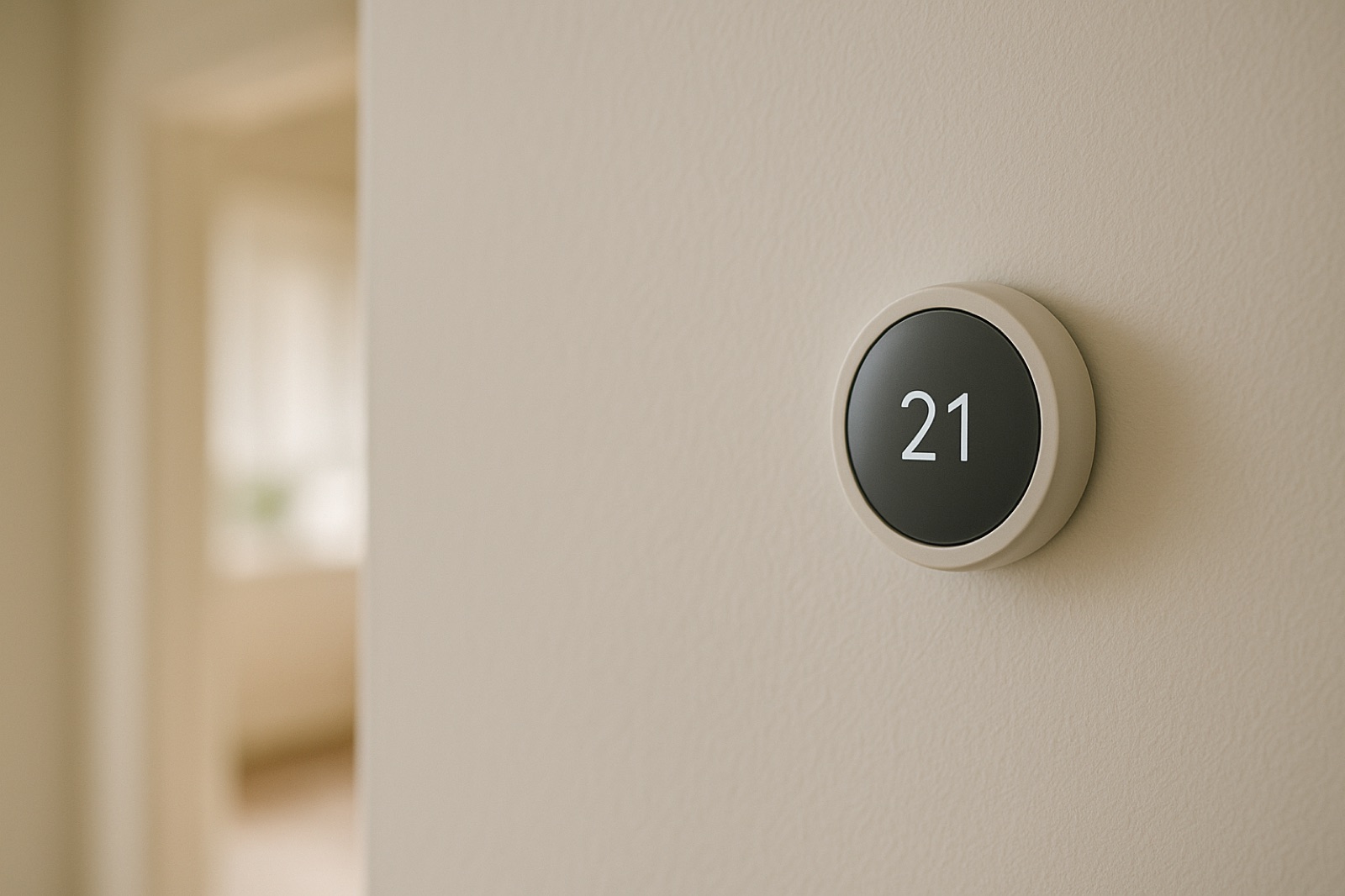
Connected controls make a house easier to run, but they also add a link you never see on the wall. ACHR News reports that a new wave of cyberattacks "disrupted supermarket refrigeration systems across Europe." The story is about store cold cases, but the homeowner lesson is plain. Any controller that depends on a remote service can lose that remote part, whether the cause is a failed router, an internet outage, a vendor outage, or something worse. The question for your house is what the equipment does next.
Start by separating two layers. The thermostat on the wall is a local device with a setpoint, a mode, and usually a schedule. The app and the vendor servers form a second layer that adds remote changes, alerts, location rules, and history. Losing the second layer should not change the first. Many owners never test that assumption, so they learn the answer on a cold night.
Run the Local Test
Pick a mild day, when a short outage is a nuisance and not a risk. Write down the current mode, setpoints, and schedule, then photograph the app screens so you have a record. List the features the app promised, such as remote changes, geofencing, alerts, and any smart recovery.
Next, take the thermostat or the router offline for about thirty minutes. Then check the wall unit, not the phone. Does the display still show the correct time? Does it hold the active setpoint? If you set a scheduled change near the outage window, does it move at the programmed hour? Does it show a connectivity fault that blocks normal heating or cooling? And when the room drops below setpoint, does the system still call for heat or cooling?
Restore the connection and check the schedule again. Some thermostats keep time only while powered, and some lose programmed settings after an interruption. Record what you find. A thermostat that drops its schedule on power loss is a different problem from one that stops calling for heat.
Read the Room, Not the App
The app reading is one more device's opinion. Place a plain thermometer in the room you care about, away from supply registers and direct sun, and compare it with the wall display at the start and end of the test. A small difference is ordinary. A difference that keeps growing while the system should be running means the controller, the sensor, or the airflow needs a look from a qualified technician.
Check the Power Path With a Meter
Most wall thermostats run on 24 VAC from the furnace or air handler transformer. With the system powered and the cover in place, set a multimeter to AC volts and measure between R and C at the terminal block without pulling any wires. Expect a reading near 24 VAC. A low reading, or one that sags when the system starts, points to the transformer, the wiring, or a loose terminal, and none of that depends on the cloud.
Check the power design too. A battery-only thermostat with no C wire behaves differently in an outage, and its batteries become part of the plan. Write the battery replacement date on the record, and do not assume a battery-powered unit will run as long as the furnace does. If the meter reading is off, the fix is a service call, not a guess at the wiring.
Write the Fallback
After the test, write a one-page fallback sheet. Include how to run the system from the wall without the app, where the manual mode and fan buttons are, which person holds the app login, the vendor support number, and who checks the room thermometer during a cold snap. Store the sheet with the owner's manual, not only on a phone that might be in a drawer or out of charge.
The goal is not to reject connected equipment. It is to know which parts of your heating and cooling still work when the link is cut, and to prove it with a clock, a thermometer, and a meter. A controller that keeps your setpoint with the network unplugged is doing its job. One that does not is telling you exactly where to look before the next cold night.