A browser-based dashboard is useful on a cold January evening, right up until the internet connection drops, the account password expires, or the cloud service behind it goes quiet. The equipment underneath keeps running on whatever instructions it already holds. The homeowner's job is to find out which instructions those are, and whether you can change them without the dashboard.
ACHR News reports on an enhanced Carrier building automation system that brings equipment, controls and operational data into one place. In its words, the i-Vu system is a "browser-based platform" that helps facility teams monitor building conditions. That product is built for commercial buildings and the people who run them, not for a split system in a bungalow. The design pattern still matters at home, though. Every time a screen sits between you and the equipment, you are trusting a layer you cannot see.
Know What the Box Does on Its Own
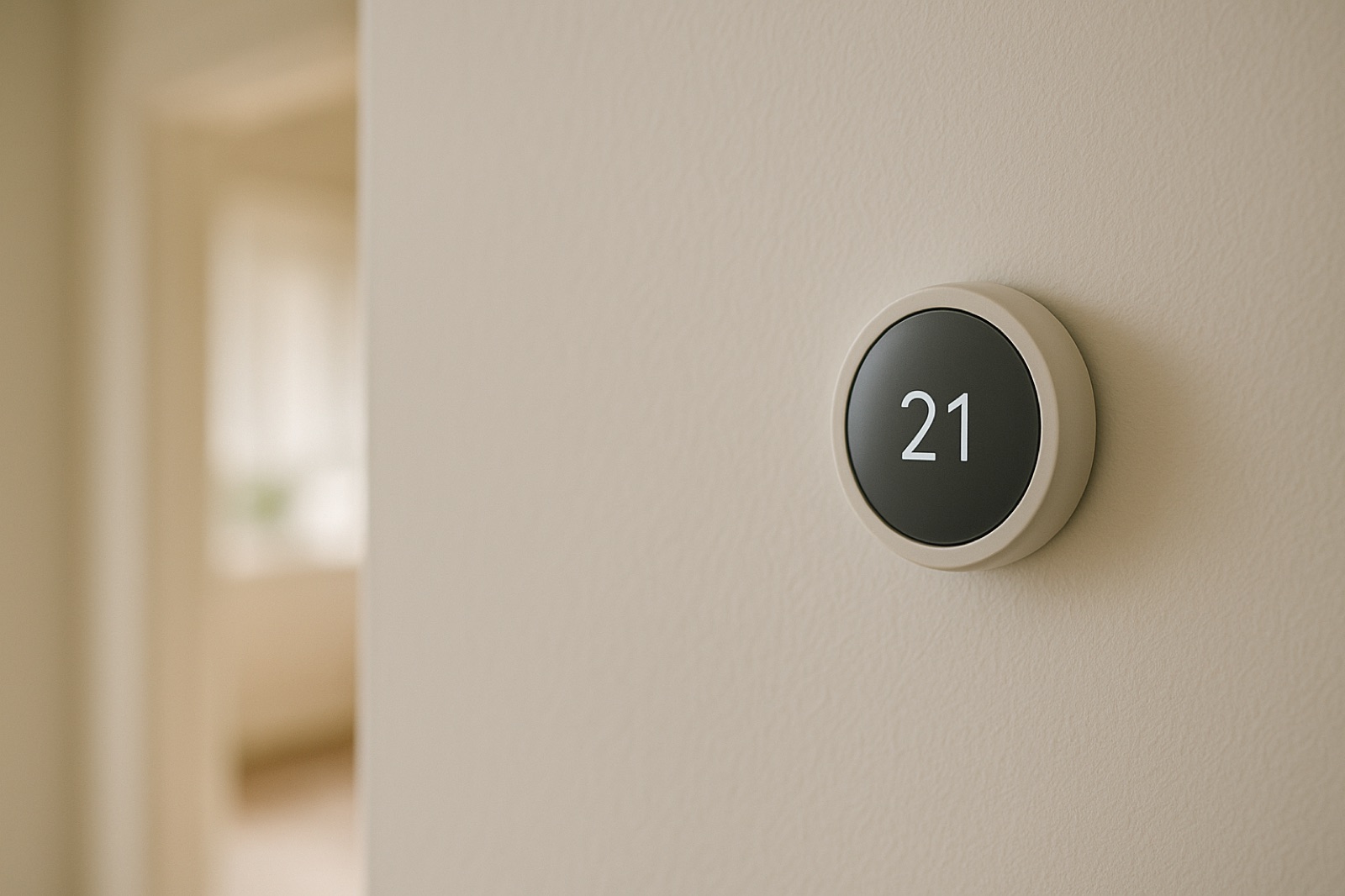
Start with the thermostat. Some units store the schedule and setpoints locally. Others get their instructions from an app or a cloud account, and they behave differently when the network is gone. Check your model's manual or ask the installer which kind you have.
Then run a simple test. On a mild day, turn off the Wi-Fi at the router or unplug the thermostat's network link. Wait fifteen minutes. Change the setpoint at the wall unit by two degrees and confirm the system responds. Then set a schedule change for a time an hour out and see whether it fires without the network. If the thermostat ignores the wall controls or the schedule stalls, you have learned something important before a cold snap teaches it to you.
On a heat pump, also confirm how emergency or auxiliary heat is selected at the thermostat. Know whether it is a manual switch, a menu item, or an automatic setting. A remote app may hide that option, and you should be able to find it without a login.
Check the Low-Voltage Side Yourself
A multimeter can tell you whether the control signal is reaching the equipment, which is useful when the dashboard shows nothing. At the thermostat's base, a typical control circuit reads roughly 24 volts AC between the R and C terminals. Measure that with the system on, and record the number. If the reading is absent when the thermostat is calling, the problem sits in the wiring, transformer, or control board, and the dashboard was never going to show you that.
Stay on the low-voltage side. Do not open the air handler's control box or the outdoor unit's electrical compartment to chase line-voltage problems unless you are trained and equipped for it. A reading you can take safely at the thermostat is enough for a useful call to your service company.
Write the Fallback Down
Keep a paper card in the thermostat area or the utility closet. Include the day, night, and away setpoints, the steps for a manual hold, the emergency heat setting, the installer's phone number, and the equipment model and serial numbers. Write down who holds admin rights to the online account, and keep a second person on the list if you can. Access rules matter, but the card is what lets anyone in the house keep the heat on without signing in to anything.
Test Alerts, Not Just Controls
If your system sends alerts, confirm where they go. An email to an inbox nobody reads is not an alarm. More important, ask whether a loss of internet produces any alert at all. Many cloud-based systems simply go silent when they lose contact, and silence looks the same as a healthy house. Treat a dashboard that shows no data as unknown, not as fine.
Keep the Checks That Need No Login
Dashboards show data. They do not replace a walk-through. Once a month, check the filter, make sure the outdoor unit has clear space around it, and look at the condensate drain for drips or staining near the air handler. A small water stain tells you more than a missing graph. Those checks take five minutes and need no password.
Before the next service visit, ask the technician to demonstrate the fallback with you: wall control, manual hold, emergency heat, and the schedule with the network off. Write down what happened and the date. That record is your baseline, and it is the cheapest insurance on the system.