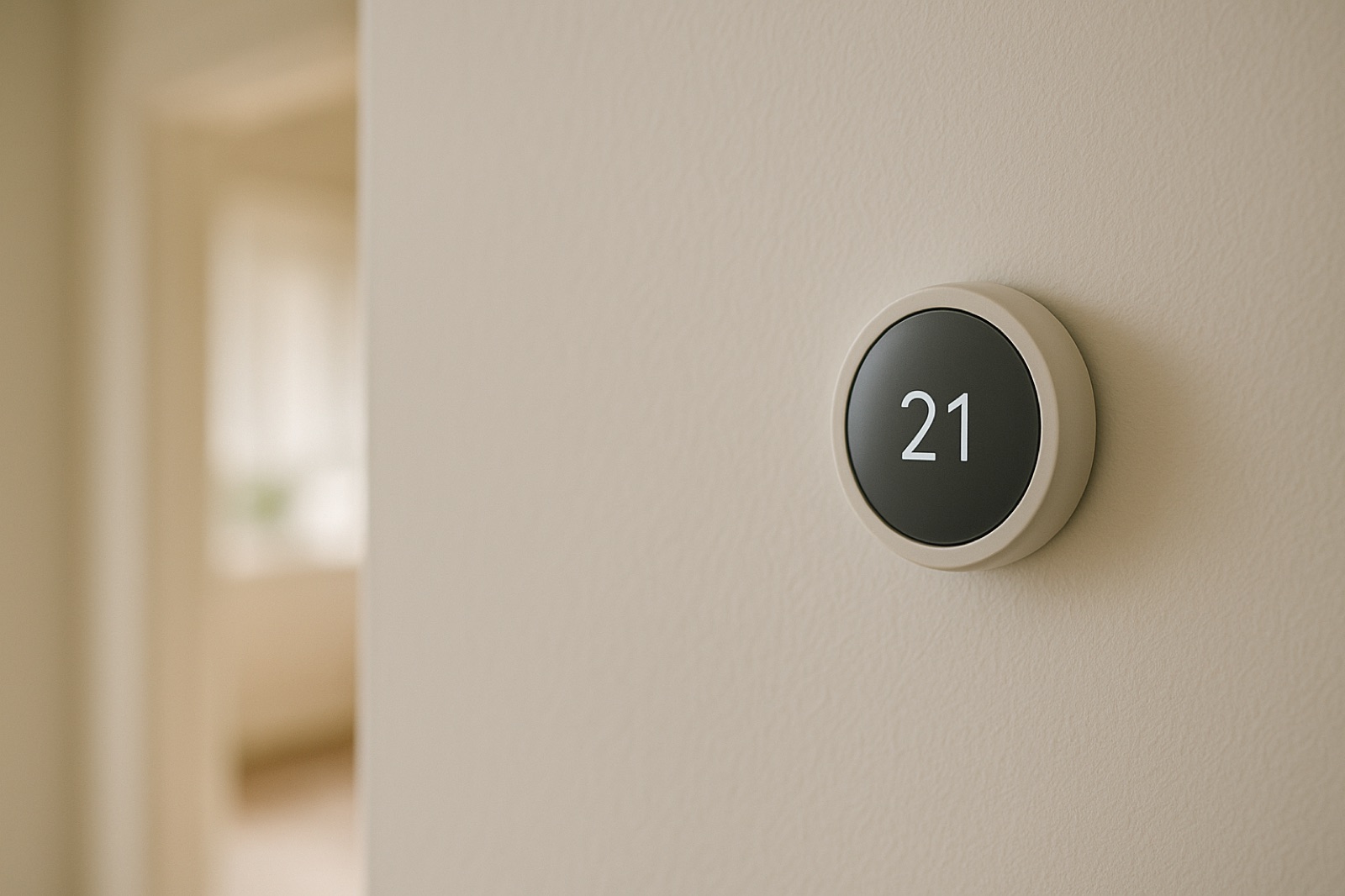
ACHR News reports that Bosch has expanded its GoTemp platform with a homeowner app and a remote support feature on the contractor side. The summary gives the core facts: a new homeowner app called GoTemp Home, and a "remote support feature" on the GoTemp Pro contractor app. Nothing in that summary says how well the tool works in the field, so treat it as a new channel, not a verified improvement. The useful question for you is what you can contribute from the basement or the attic that a screen cannot see.
Remote tools read what the equipment reports through its controls and sensors. They do not feel a cold room, hear a fan bearing, or see a filter that has gone grey with dust. A remote session is only as good as the facts a person on site can add to it, so build a short routine before the next call.
Walk the Unit Before the Session Starts
Start with the cheap checks. Pull the filter and note its size, its airflow arrow direction, and the date you last changed it. Look at the outdoor condenser or heat pump. Leaves, grass clippings, snow, and bagged debris all reduce airflow across the coil. Confirm the clearance around the cabinet matches the manufacturer's listing in the installation manual, not a number you remember from a forum.
Then walk the supply and return registers. Open them, and make sure the return path is not blocked by furniture, a closed door without a transfer grille, or a rug pushed against the wall. A starved return changes the temperature split at the register, and a remote view of the thermostat will not reveal that. Write down which rooms feel warm or cold and at what time of day.
Write Down What the Screen Says
Record the setpoint, the mode, and any fault code shown on the thermostat or app, with the time. Intermittent faults often vanish by the time a technician arrives, so a dated note is worth more than a memory. If the outdoor temperature was unusual that day, note that too.
Keep the app's report and your own observations in separate columns. If the app says the system is cooling and the air at the register is still warm, that disagreement is the finding. Do not smooth it over. Bring both numbers to the session and let the technician explain which one is wrong, or whether both are right for different reasons.
Ask Who Can Touch the Settings
Remote access means someone outside the house may be able to view or change operating settings. Before you agree to a session, ask who starts it, whether you are notified when it begins, how long it lasts, and whether changes are logged. Ask whether the homeowner app and the contractor app share the same record. You are entitled to clear answers, and a technician who cannot give them is telling you something about the process.
Keep your own log of every remote session, with the date, the reason, the person who connected, and any setting that changed. Store it with the equipment paperwork. A simple notebook in the utility area works fine.
Where a Service Plan Fits
If you are comparing a maintenance agreement, read it for the exact scope before assuming remote sessions are included. The language matters, and a plan that covers coverage for home systems and appliances may still leave out certain visits or parts. Ask the provider to point to the sentence that answers your question.
What Remote Support Cannot Replace
A remote view will not measure combustion gases in a gas furnace flue, check a heat exchanger, or confirm that a vent terminal is clear and properly sealed. Those checks need test instruments and an on-site person with training. Likewise, a remote screen will not tell you the static pressure across a clogged coil or whether a duct run in the attic is pulling conditioned air out through a leaky joint.
Use the app as a second pair of eyes, not the only pair. A homeowner who has walked the unit, written down the readings, and asked who controls the settings will get more from any remote session than one who simply accepts the connection. That routine costs twenty minutes and makes the next visit faster and more accurate.