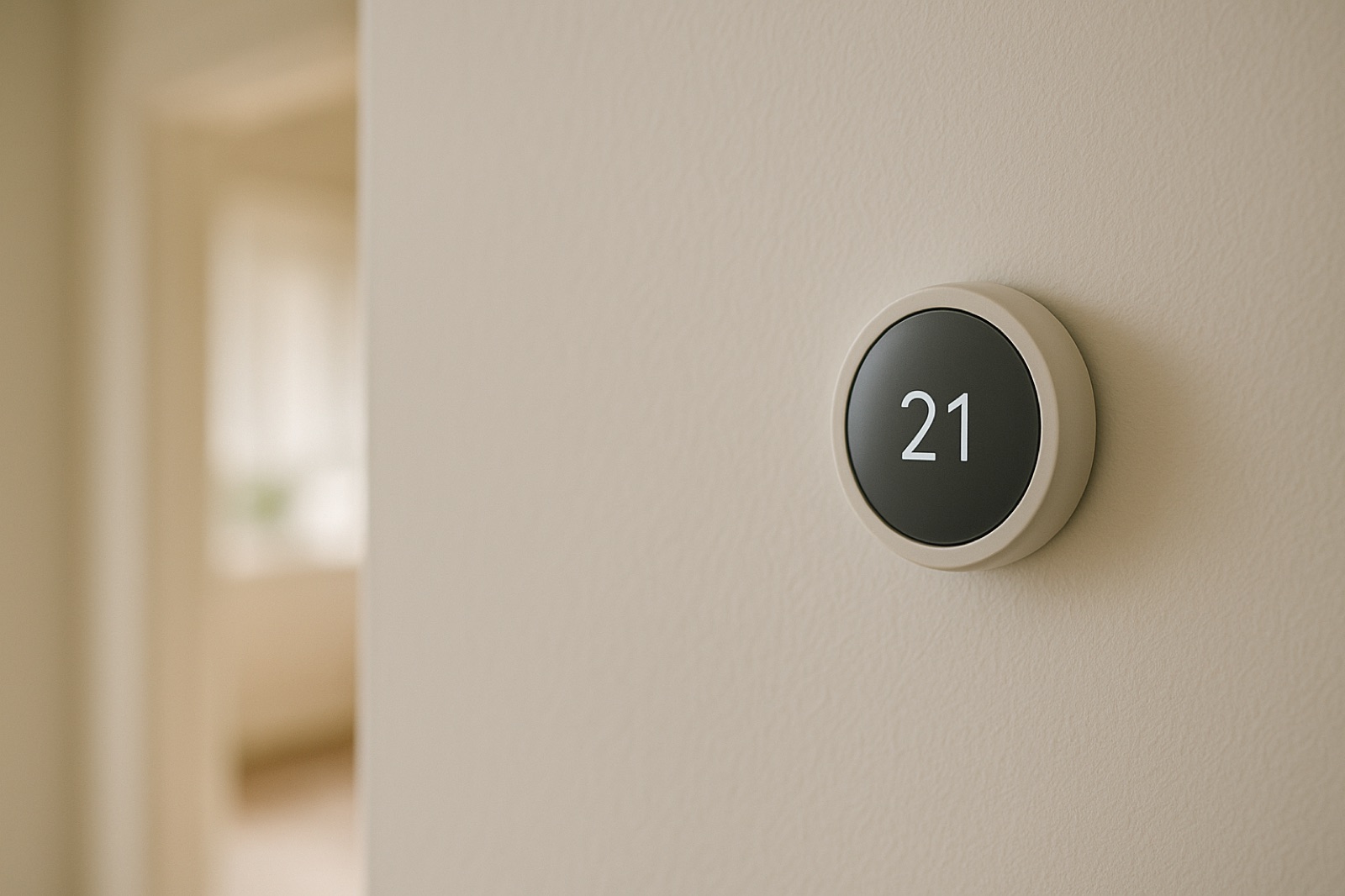
Building automation platforms have moved into the browser, and the pitch is simple: equipment, controls, and operating data sit in one place where a team can check on them from anywhere. ACHR News covered the latest version of Carrier's system in an report on the enhanced Carrier i-Vu platform, which brings equipment and controls into what the report calls a "browser-based platform". That is built around facility teams running commercial buildings. For a homeowner with one system, it raises a practical question: what does the screen show you, and what does it leave out?
What a Trend Screen Actually Holds
A monitoring platform is only as good as the sensors and points wired into it. A supply air temperature reading tells you what the sensor reports. It does not tell you whether that sensor sits in the right spot in the duct, whether return air is leaking around a filter rack that does not seal, or whether a damper is stuck halfway open. The screen shows a number. Your hands and nose still have to confirm what the number means.
On a residential system, the factors that matter most are often the ones nobody thinks about: where the thermostat sits, whether the outdoor coil has a clear path for air, whether the line set is intact, and whether the room farthest from the air handler gets its share of airflow. A browser view can display a setpoint and a run status. It cannot feel a register that puffs weakly or hear a blower that has started to labor.
Walk the House Before You Trust the Screen
Set aside ten minutes on a day when the system is running. Stand at each supply register in the main living space and hold a hand over it. Compare the airflow at the farthest room with the airflow near the air handler. Note whether the blower sounds steady or rises and falls. Check the return grille and confirm the filter sits square with no gaps around its edges.
Then walk outside to the condenser. Look at the coil fins for debris, and confirm there is open space around the cabinet so air can reach the coil. Listen for the compressor and fan to start together. Do not reach past the service panel or into the blower compartment with the power on. None of this requires a laptop, and all of it tells you whether the platform's numbers describe the house you actually live in.
Where the Browser Earns Its Place
Remote visibility does help in specific cases. If you maintain a rental, a vacation property, or a second home, a remote view of run status and setpoint can answer the question "did the system stay on" without a drive across town. The value lies in the history you can scroll through, not only the current reading. A record of when the air handler ran and when it stopped can narrow a problem before a technician arrives.
The trap is treating the screen as the complete picture. A status light can say the system is running while the air from the register is warm and weak. A setpoint change shows up on a screen, but the screen rarely explains who made it or why. When the screen and your walk-through disagree, start with the walk-through and let the data point you toward the cause.
The Same Discipline Applies to Fast Answers
A separate ACHR News piece on using AI to troubleshoot refrigeration systems makes a related point. Tools that quickly surface troubleshooting information can save a technician time, but their answers still need verifying before any repair or adjustment. That applies to a dashboard as much as to a chat tool. Something fast to read is not the same as something correct about your equipment. Use the platform to point you at the question, then answer it with a meter, a gauge, or your own eyes.
Keep the Final Call Human
Whatever the platform reports, the decision to change a setting, add refrigerant, or open a panel belongs with someone who has checked the equipment in front of them. For a homeowner, that means a short written list: what you can verify yourself, what needs a licensed technician, and what the screen is only reporting. Keep that list in the notebook by the thermostat so the next person knows where to start.