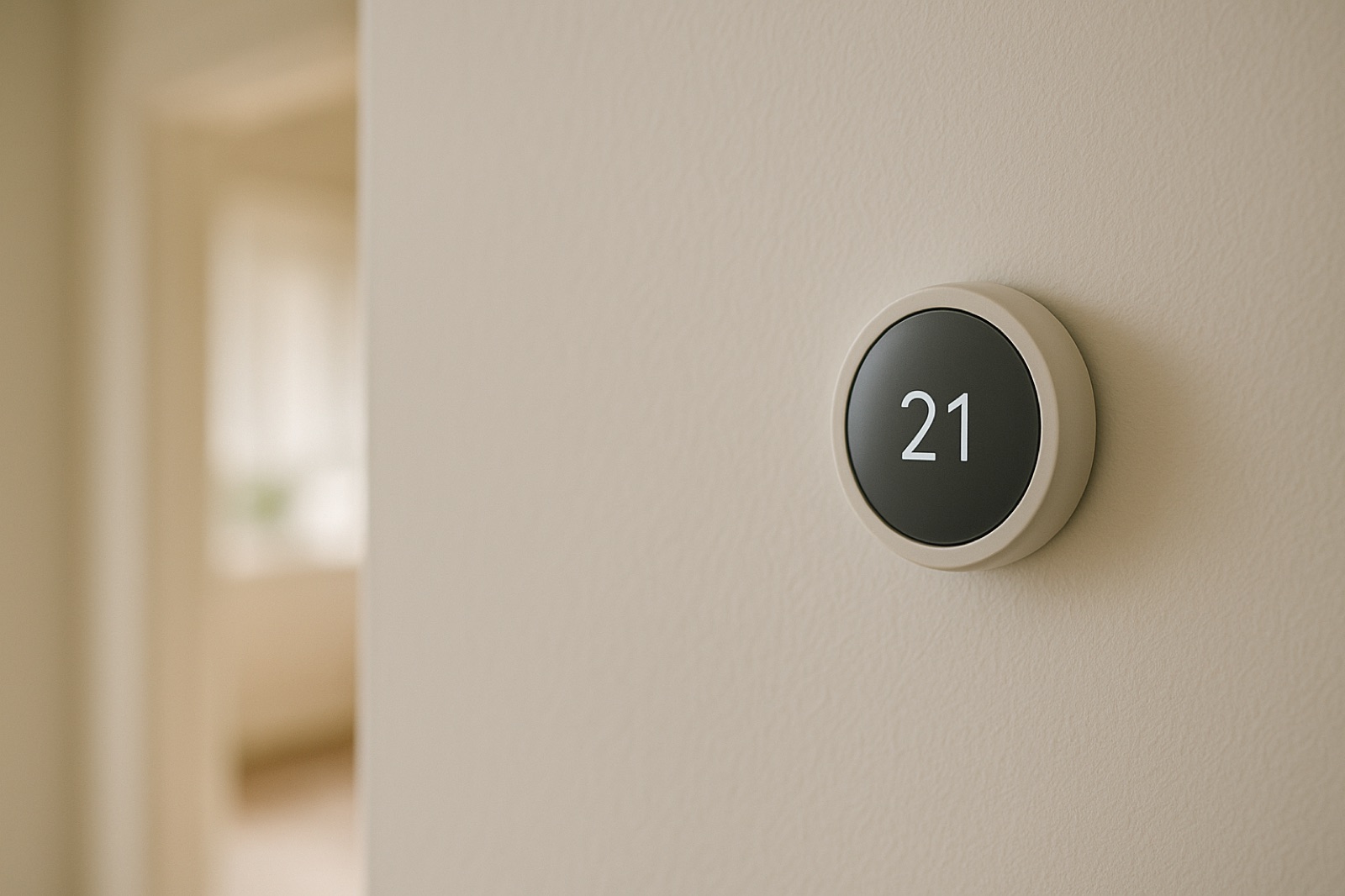
Few homes outgrow their heating and cooling in one dramatic moment. The change is gradual. A basement gets finished, and a home office moves in with two monitors, a small server, and a rack of network gear. The garage picks up a second refrigerator and a dehumidifier that runs all summer. A grown child moves back home, and the room over the garage starts running hot by mid-afternoon. Nobody decided to add a load to the system, but the system now carries one anyway.
The usual reaction is to blame the equipment or ask for a bigger unit. That is often the wrong first step. Before any quote or sizing conversation, you need a record of what has been added, when, and where the heat ends up. A simple ledger does that job well.
Start with a ledger, not a catalog
An ACHR News article on cold storage cooling frames the job as matching "heat rejection equipment" to actual load, water, maintenance, and "growth needs." That framing carries over to a house even if you will never run a freezer warehouse. Your house has an actual load, it has growth, and the two rarely match the number on the nameplate.
The same logic shows up in building automation. ACHR News reports on Carrier's enhanced i-Vu system, which puts equipment, controls, and operational data into a browser-based platform so facility teams can "monitor building conditions, investigate issues" and manage HVAC operations. You do not need a commercial platform to borrow the habit. Trend data beats memory every time.
What to record
Keep the ledger in a notebook or a spreadsheet. For each change, write the date, the room or zone, what was added, and its approximate running wattage from the label or a plug-in meter. Note whether anyone moved a thermostat setpoint. Then add one number per week: total runtime on a comparable outdoor day. Your thermostat's history page or a simple runtime count will give you that. Compare like with like, since a mild week and a cold week tell different stories.
If you own a clamp meter, take a reading on the air handler and the compressor at the start of each season. Amperage that creeps up at the same outdoor temperature points to added load or to a condenser that is not shedding heat well. When the system is running steadily, check supply and return air temperatures with a basic thermometer. A widening gap on the same day and at the same outdoor temperature is a useful clue to bring to a technician.
Heat rejection is where the load lands
Every watt you add indoors has to leave the house somewhere. In cooling mode, that is the outdoor condenser coil. In heating mode, a heat pump pulls heat from outdoors through the same outdoor coil, working in reverse, so the ledger matters in winter too. Inspect the outdoor unit with the same skeptical eye: check clearance on all sides, look for leaves and seed fluff packed into the fins, and confirm that shrubs are not crowding the intake. Make sure the discharge air is not recirculating back into the coil. A blocked coil does not reduce your load. It just changes the number you are trying to read.
When growth needs new work
A ledger that shows a room consistently short of air is usually a duct question, not a thermostat question. Adding a supply run, a return, or a damper means opening walls and sometimes reaching into the attic, and the work should be sized with a real calculation rather than a guess. A new exhaust fan for a workshop or bathroom often means a roof penetration. If that work touches the roof, a roofing contractor such as Keys Roofing can flash the penetration properly so the new hole does not become next year's leak.
The point of the ledger is restraint. Often one item on the list explains most of the change. Moving a heat-producing device to a cooler corner, shading a west window, or balancing a supply register can fix a room without touching the equipment at all. When the ledger does point to a real capacity problem, you will walk into the conversation with evidence instead of a complaint.
Growth is a load too. Write it down before it shows up as a comfort problem you cannot explain.