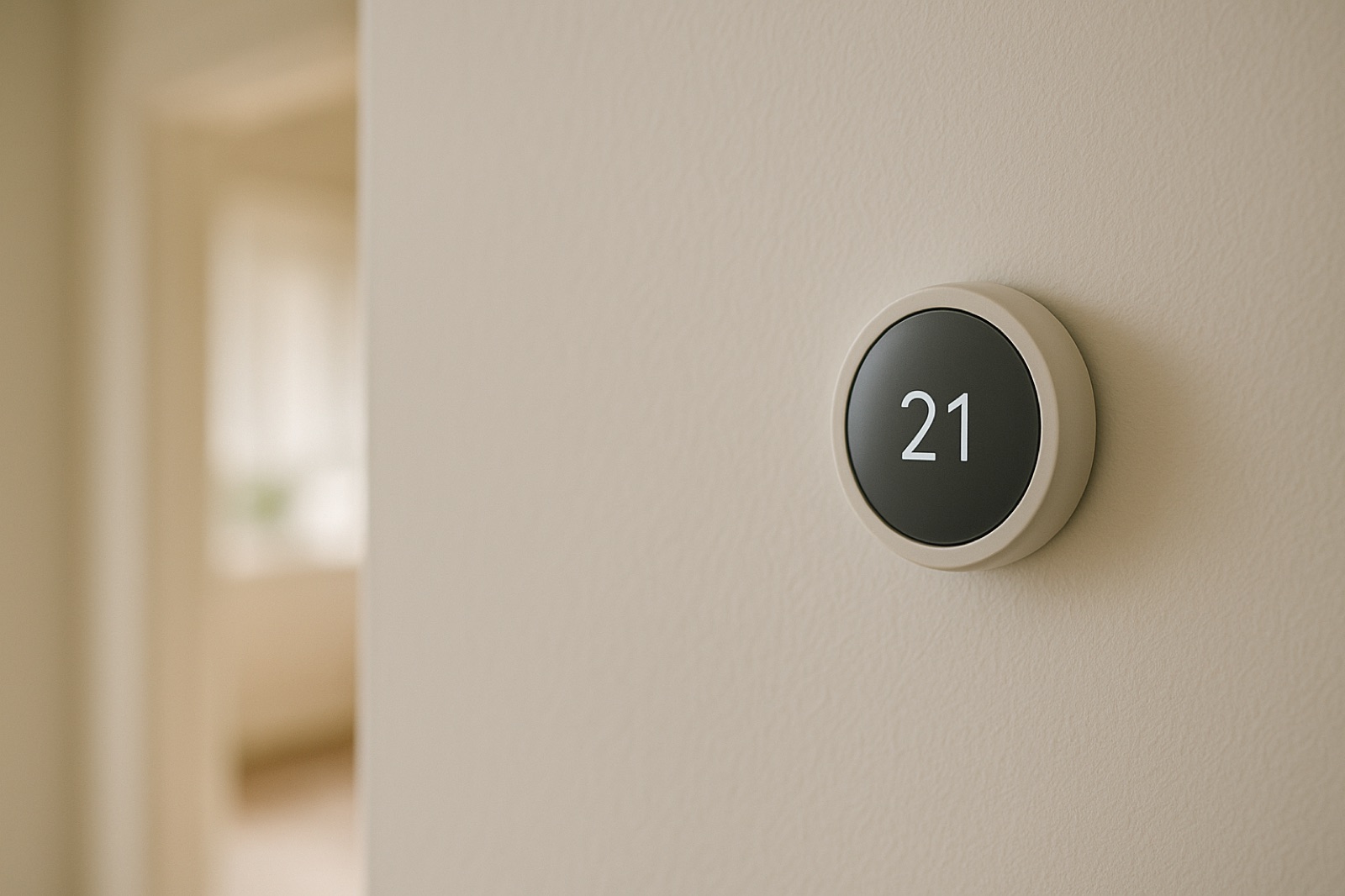
A thermostat on Wi-Fi is no longer just a dial on the wall. Many furnaces now carry control boards with network modules, heat pumps ask you to pair them with an app, and water heaters, humidifiers, and smart vents may report to a cloud service. Each one usually has a network address and an account behind it. Most homeowners set these up once during the install and never look at them again. This check is about closing that gap before a problem shows up.
The reason to look now is a current trade story. ACHR News published ACHR News reports more refrigeration cyber incidents at European supermarkets, and its summary says a new wave of attacks "disrupted supermarket refrigeration systems across Europe." Those are commercial plants, not houses. The lesson carries over anyway. Refrigeration and climate controls are increasingly networked, and a controller that can be reached is a controller someone else may try to reach.
What Counts as a Controller
Walk the house with a notepad and write down anything with a power cord or battery that can answer on the network. Start with the obvious: the thermostat, the furnace or air handler control board, the heat pump outdoor unit if it has a communication module, and the water heater if it has a controller. Then check the less obvious items: humidifiers, smart vents, zone controllers, leak sensors near the water heater or air handler, and any smart plug feeding a dehumidifier. If it has a light that blinks when it connects, it belongs on the list.
Next, open your router's admin page and find the connected devices list. Compare it to your notepad. Anything unfamiliar is a question to answer, not a reason to panic. It may be a neighbor's device on a guest network, an old phone, or a device you forgot. Write down the name, IP address, and the time it last connected.
Build the Record
For each device, record five things on one line: the location, the make and model number from the label, the installer or service company, the app or account it logs into, and whether remote access is switched on. Add the firmware version from the app or the control screen and the date you last checked it. The model number matters most. When the vendor's support page or a service tech asks what you have, you should not need to pull the unit out of a closet to read it.
Keep this record on paper in the mechanical room, or in a shared document with a dated first line. Update it at each service visit. A tech who changes a board or adds a module should leave a note of what was added and which account was used to commission it.
Change the Defaults and the Shared Logins
Many devices ship with a default password printed on the label or in the manual. Change it on every device that offers the option, and use a unique password for each account. Turn on two-step verification where the app supports it. Then look at the account list inside each app. Remove any installer or former helper account you no longer need, and record which accounts remain. If you cannot tell who an account belongs to, ask the company that set it up before you delete anything, because a removed account can stop a heat pump from reporting alarms.
Store the passwords in a password manager, not on the sticky note under the thermostat. The inventory should say which account controls which device, not what the password is.
Test the Manual Path
Find out how each system runs when the app is unavailable. Can you change the setpoint on the thermostat at the wall? Can the furnace or air handler be switched off at a labeled service disconnect? Is the water heater's temperature setting reachable without the phone? Write the answer next to each device. If the only way to change a setting is through a cloud app that is down, note that too. You are not trying to break anything. You are confirming that a normal, safe adjustment does not depend on one network path.
Decide Who Can Change What
In many houses, more than one person can reach the controls: a spouse, an adult child, a neighbor who checks a vacation home, or a relative managing a parent's house from across town. Write down who can change setpoints, who can turn remote access on or off, and who is the first call when an alert arrives. Those answers should match the accounts you cleaned up above.
For a parent's home, the person on site often is not the person with the login. Some families use non-medical in-home support for older adults in St. Louis to be the local set of eyes for simple, visible checks, such as whether the thermostat shows the expected setting, whether a breaker has tripped, or whether an alert light is blinking. That person can report what they see. Changing accounts or equipment settings should stay with the family member who owns the record.
Keep It Current
Set a reminder for the same month each year to review the list. Check firmware, remove retired devices, and confirm the accounts still belong to people who should have them. The point of the exercise is not to make the house unreachable. It is to make sure you know what can be reached, by whom, and how to keep the heat running if the network does not cooperate.