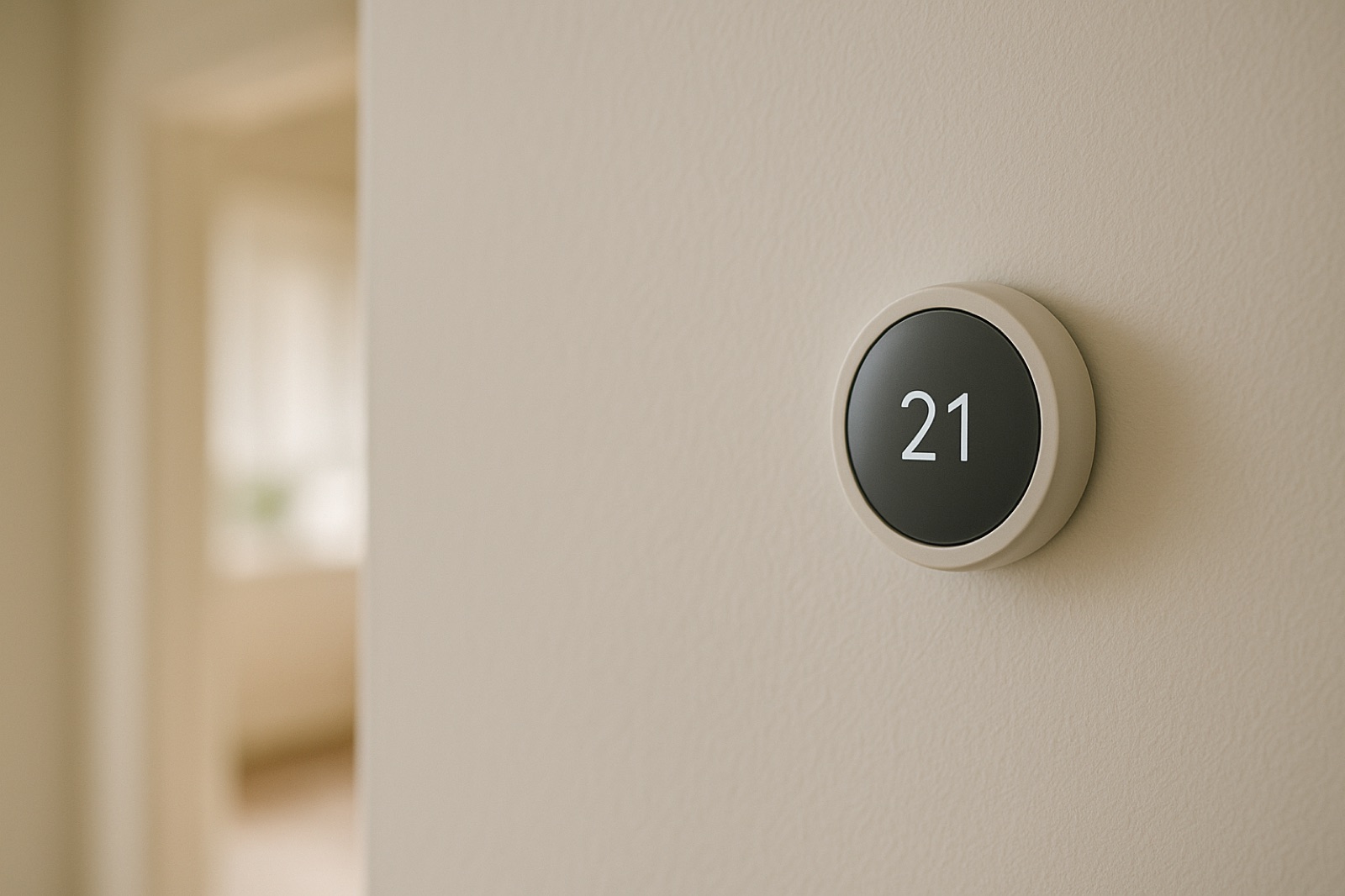
Resideo has put a new AI tool into the HVAC trade. ACHR News reported on Resideo's Pro-IQ Predict, an expansion of the company's Pro-IT services platform, and described it as "informed by millions of interactions with connected devices" along with a decade of system insights. For a technician, a tool like that is a faster way to sort a call. For a homeowner standing in the basement with a multimeter, it raises a simpler question: where did the number on the screen come from?
Data Has a Source Before It Has a Diagnosis
A tool of this kind works on what connected equipment and thermostats report. Supply air temperature, return air temperature, run time, cycle counts, and fault codes all come from sensors and controls that sit in specific places. Each one has a placement, a calibration history, and a failure mode of its own. A return air sensor mounted in a dead corner of a hallway reads a different air mix than the coil sees. A thermostat on an interior wall reports room comfort, not furnace output. None of that makes the tool wrong. It means the output is only as good as the input, and the input has a location.
Ask for the Raw Reading
When a tech shows you a flag, ask three questions before you accept it. Which device reported the value? What was the reading at the time, and in what unit? Was the value measured at the equipment or inferred from another sensor? A good answer names the thermostat, the air handler control board, or the outdoor unit, and gives a number you can check. A vague answer like "the system says so" is the signal to slow down, not a reason to approve a part.
Take Your Own Baseline Before the Next Alert
Your multimeter is the cheapest second opinion in the house. Before the heating peak, measure the thermostat's power supply at the transformer secondary or at the control board, with the system idle. Expect a reading close to 24 volts AC, and write it down with the date. If the connected system later reports a low-voltage fault, you already have a baseline to compare against. If you are not comfortable working near the control board, ask the tech to take the reading while you watch and record it on the service sheet. The same approach works for the outdoor unit: note the compressor amp draw from the nameplate and from a measured run, then compare future readings when a dashboard suggests a problem.
When the Tool and the Meter Disagree
Sometimes the dashboard will flag a low-voltage condition while your meter reads close to normal at the transformer. Do not assume either one is lying. Check the wiring at the thermostat terminals, the condition of the connectors at the control board, and whether the reading changes when the system calls for heat or cooling. A voltage that holds steady at idle but sags under a call points to a different problem than one that is low all the time. Ask the tech to log both readings with the time and the load condition, so the disagreement becomes a useful clue instead of a standoff.
Know What the Tool Cannot See
Connected diagnostics are strongest on the equipment side of the wall. They are weakest on the parts of the system nobody instruments: duct leakage in an unconditioned attic, a return that starves one bedroom, a filter loaded with dust that no sensor registers, or a line set kinked where it passes through a wall. Those problems are found with a tape measure, a thermometer on the register, and a look in the attic. Treat a predictive alert as a list of questions, not a verdict.
A Practical Rule
Keep one page per system with the install date, the thermostat model, the transformer reading, the nameplate amp draw, and the date of each alert you receive, along with the source the tech named. When a new diagnostic claim arrives, it either matches that page or it does not. That is a faster way to decide whether a repair is needed than trusting the most confident dashboard in the room.